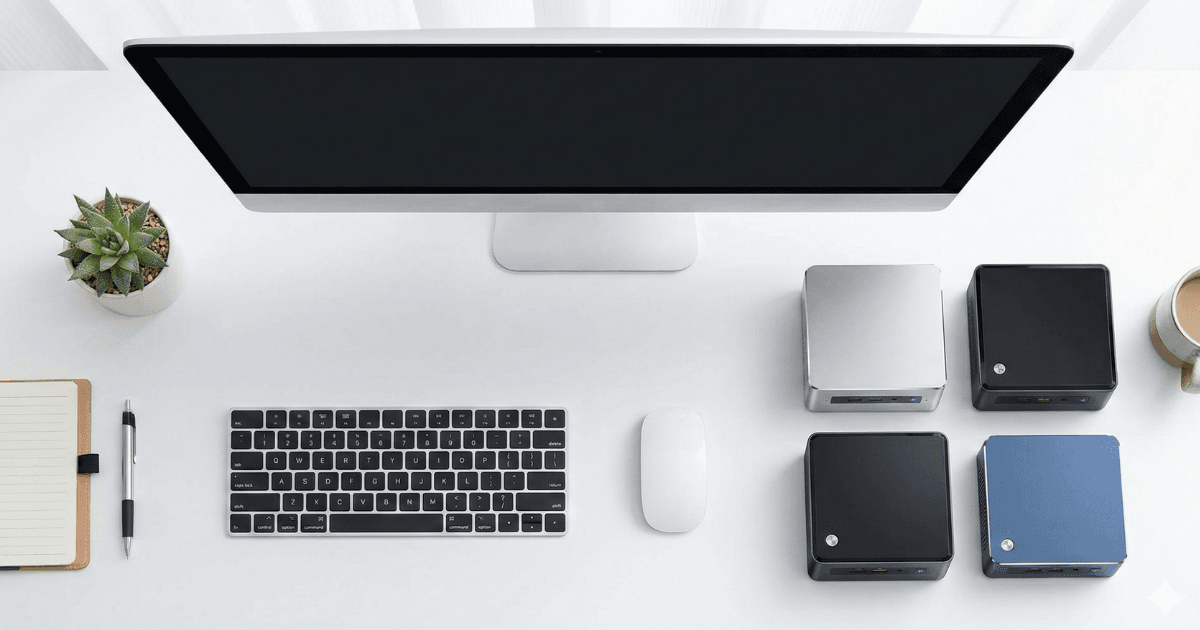
Mini PCs have become extremely popular for home setups due to their compact size, quiet performance, and low power usage. The best cheap mini PCs for home use today offer excellent speed for browsing, YouTube, online classes, office tasks, and entertainment—without needing a full desktop tower./Mini PCs have become extremely popular for home setups due to their compact size, quiet performance, and energy-efficient hardware. Even budget models today offer excellent speed for daily tasks like:
- Browsing
- YouTube and streaming
- Online classes
- Google Docs / MS Office
- Home office tasks
- Light productivity
- Media playback
- Running TV or monitor setups
You don’t need a full desktop tower anymore — a good mini PC can do everything a home user needs.
This guide covers the best cheap mini PCs for home use, focusing on performance, storage, multitasking, and long-term value.

Why Mini PCs Are Great for Home Use
Mini PCs are designed for convenience, simplicity, and efficiency. Home users benefit from:
Space-saving
Tiny footprint — perfect for small desks or living rooms.
Silent performance
Mini PCs have efficient cooling → almost silent.
Low electricity cost
Great for 24/7 usage, media centers, or home workstations.
Easy to set up
Simply plug into a monitor/TV and start working.
Affordable pricing
Budget-friendly compared to full desktops or laptops.
Perfect for non-gamers
Ideal for families, students, and typical home tasks.
If you don’t need heavy gaming or video editing, mini PCs offer huge value for home users.
What to Look for in a Budget Mini PC
1. Processor (CPU)
For smooth performance, ideal CPUs include:
- Intel N100 / N200 / N5105 / N6005
- Intel i3 (older gens)
- AMD Ryzen 3
- AMD Athlon Series
These are perfect for home use like browsing, media, and office work.
2. RAM
Minimum recommended:
- 8GB RAM
Better:
- 16GB RAM (if budget allows)
More RAM = smoother multitasking.
3. Storage
Always choose SSD storage:
- 256GB SSD minimum
- Avoid HDD — too slow
SSD gives fast boot, quick apps, and smoother Windows experience.
4. Ports & Connectivity
Mini PCs should include:
- USB ports
- HDMI/Dual HDMI
- Ethernet
- WiFi 5 or WiFi 6
- Bluetooth
More ports = more flexibility.
5. Cooling
Mini PCs should stay cool and quiet under daily workloads.
6. Upgradability
Many mini PCs allow upgrades:
- RAM slot
- M.2 SSD
- 2.5-inch SATA drive
This helps extend the device’s lifespan.
Best Cheap Mini PCs for Home Use (Top Picks)
Below are the best mini PCs for home users, each with official brand website links.
1. Beelink Mini S – Best Overall Budget Mini PC
Official Website: https://www.bee-link.com/
The Beelink Mini S is one of the best-performing budget mini PCs for daily home usage.
Key Advantages:
- Smooth browsing & office work
- Fast SSD storage
- Very quiet and cool
- Compact, lightweight design
- Reliable WiFi & Bluetooth
Best For:
Home office, kids’ studying, media playback, and general daily tasks.
2. MINISFORUM NAB6 Lite – Best Performance Under Budget
Official Website: https://www.minisforum.com/
The MINISFORUM NAB6 Lite offers great CPU performance at a budget price.
Key Advantages:
- Fast multitasking
- Excellent thermals
- Good for light photo tasks
- Dual-monitor support
- Modern connectivity
Best For:
Home users needing extra speed for multitasking.
3. ACEMAGIC S1 – Best Value Mini PC for Families
Official Website: https://www.acemagic.com/
The ACEMAGIC S1 combines compact size, good performance, and a premium-feeling design.
Key Advantages:
- Compact and stylish
- Great performance for the price
- Fast SSD and strong WiFi
- Low power usage
- Quiet fan system
Best For:
Families using it for browsing, online classes, and home media.
4. GMKtec Mini PC NucBox – Best Ultra-Small Mini PC
Official Website: https://www.gmktec.com/
The GMKtec NucBox is extremely tiny but surprisingly capable.
Key Advantages:
- One of the smallest PCs
- Smooth daily use performance
- Great build quality
- Perfect for TV/monitor setups
- USB-C power input
Best For:
Minimalists or tiny desk/home entertainment setups.
5. Intel NUC Essential Series – Most Reliable Budget Mini PC
Official Website: https://www.intel.com/
The Intel NUC Essential Series models offer stability, reliability, and long-term durability.
Key Advantages:
- Very reliable hardware
- Smooth multitasking
- Modular & upgradeable
- Clean performance
- Stable driver support
Best For:
Long-term home users wanting guaranteed stability.

Detailed Performance Breakdown
Mini PCs in this price range are perfect for:
Browsing & Research
Chrome
Firefox
YouTube
Google Docs
Home Office Apps
MS Word
Excel
PowerPoint
Zoom / Teams
Media & Entertainment
4K streaming
Netflix, Prime Video
Home TV connection
Light Multitasking
Switch between apps smoothly.
Not ideal for:
✘ heavy gaming
✘ editing 4K video
✘ rendering / high-end workloads
But for general home users, they’re excellent.
Comparison Table
| Model | Key Feature | Best For |
|---|---|---|
| Beelink Mini S | Best overall value | Home office, family use |
| MINISFORUM NAB6 Lite | Best performance | Multitasking users |
| ACEMAGIC S1 | Best design + family option | Daily home tasks |
| GMKtec NucBox | Ultra-small size | Minimal desk setups |
| Intel NUC Essential | Most reliable | Long-term home use |
Who Should Choose a Mini PC?
Choose a Mini PC if you:
- Work from home
- Use a monitor and keyboard
- Need compact & quiet setup
- Want affordable computing
- Watch movies and browse
- Prefer low energy usage
- Want something upgradeable
Mini PCs are ideal for:
- Students
- Families
- Home offices
- Elderly users
- Living room setups
Final Verdict
Mini PCs are perfect for home users who want a small, silent, efficient computer without spending a lot.
For most people, the Beelink Mini S offers the best balance of speed, reliability, and price.
If you want extra performance, the MINISFORUM NAB6 Lite is a great upgrade.
The ACEMAGIC S1 is perfect for families and everyday tasks.
For ultra-small setups, the GMKtec NucBox is unbeatable in size.
If long-term stability matters most, the Intel NUC Essential Series is the safest choice.
No matter which one you choose, mini PCs are a fantastic option for home use — compact, affordable, and powerful enough for daily life.
Read next: https://buyersorbit.online/how-much-ram-do-you-really-need-laptop/
Also see: https://buyersorbit.online/best-laptop-processors-explained/