Introduction
Shared vs VPS vs Cloud hosting can be confusing for beginners who are just starting a website. Each hosting type works differently and affects your site’s speed, performance, cost, and scalability. In this beginner-friendly guide, we explain the key differences between shared, VPS, and cloud hosting so you can confidently choose reminder for your needs.
What Is Web Hosting (Simple Explanation)
Your website’s files (text, images, code, videos) all need a place to live.
Hosting = the “home” where these files stay.
Think of it like:
- Hosting = your website’s house
- Domain name = your address
There are 3 main types of hosting used by beginners:
- Shared Hosting
- VPS Hosting
- Cloud Hosting
Each one has different power, speed, and price.
Let’s break them down with examples.
1. What Is Shared Hosting? (Simplest Hosting Type)
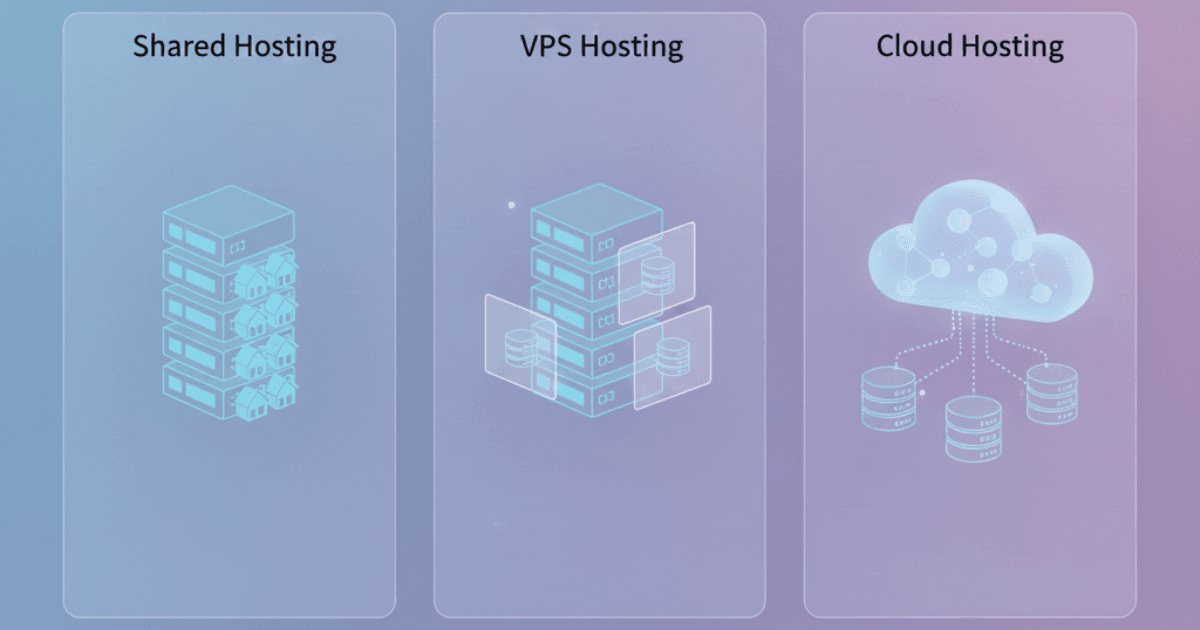
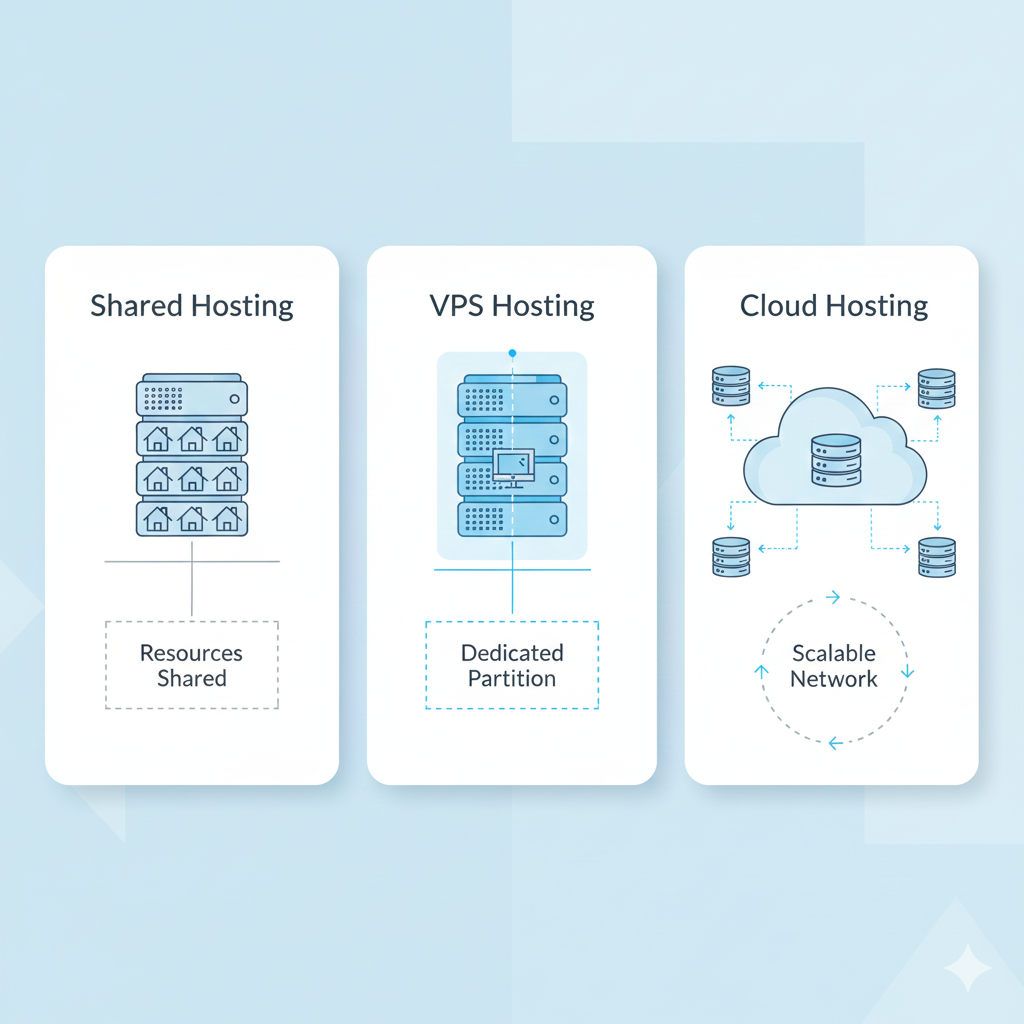
Shared Hosting means your website lives on a server that is shared with many other websites — like renting a room in a shared apartment.
Best For:
- Beginners
- Small blogs
- Personal websites
- Low traffic sites
- Students
How It Works:
You share server CPU, RAM, bandwidth with others.
This keeps it cheap but slightly slower.
Benefits:
- Cheapest hosting
- Perfect for beginners
- Easy setup
- Works for all basic websites
Limitations:
✘ Not ideal for high traffic
✘ Slower during peak times
✘ Less control over performance
Recommended Shared Hosting Providers
- Hostinger Shared Hosting → Fastest shared hosting for beginners
Link: https://www.hostinger.com - Bluehost Shared Hosting → Easiest WordPress setup
Link: https://www.bluehost.com
2. What Is VPS Hosting? (More Power & Control)
VPS = Virtual Private Server
This means you get your own “private space” inside a bigger server.
Think of VPS like renting your own apartment, not sharing a room.
Best For:
- Medium-sized websites
- Growing blogs
- Online stores
- Websites needing more speed
How VPS Hosting Works:
The server is divided into virtual sections.
Each user gets their own CPU, RAM, storage — dedicated to them.
Benefits:
- Much faster
- More stable
- Handles more traffic
- More security
- More control
Limitations:
✘ More expensive
✘ Slightly more technical
Recommended VPS Providers
- Hostinger VPS → affordable + powerful
https://www.hostinger.com - Bluehost VPS → great for scaling WordPress
https://www.bluehost.com
3. What Is Cloud Hosting? (Fastest & Most Reliable)
Cloud hosting doesn’t use a single server — it uses multiple connected servers that work together.
Imagine if your website had many houses instead of one.
If one fails, another instantly takes over.
Best For:
- Websites needing highest uptime
- High traffic sites
- Online stores
- Businesses who cannot afford downtime
Benefits:
- Extremely fast
- Handles heavy traffic
- Very reliable
- Auto-scaling
- Great for performance
Limitations:
✘ Higher price
✘ Slightly more complex
Recommended Cloud Hosting Providers
- Hostinger Cloud Hosting → best entry-level cloud hosting
https://www.hostinger.com - Bluehost Cloud (indirect AWS solutions) → business-level solutions
https://www.bluehost.com

Shared vs VPS vs Cloud Hosting: Simple Comparison Table
| Feature | Shared Hosting | VPS Hosting | Cloud Hosting |
|---|---|---|---|
| Price | Lowest | Mid-range | Higher |
| Speed | Basic | Fast | Very Fast |
| Security | Basic | Strong | Very Strong |
| Traffic Capacity | Low | Medium | Very High |
| Control | Low | Medium | High |
| Best For | Beginners | Growing sites | Businesses & eCommerce |
Which Hosting Should Beginners Choose?
Choose Shared Hosting if:
- You’re launching your first website
- You want the lowest price
- You have small traffic
- You want simple setup
Perfect for:
Blogs • Portfolio • Small business sites
Choose VPS Hosting if:
- Your website is growing
- You want more speed
- You expect more visitors
- You need better performance
Perfect for:
Growing blogs • Medium traffic • Small eCommerce
Choose Cloud Hosting if:
- You need maximum uptime
- Your traffic fluctuates
- You run a shop or business
- You want auto-scaling performance
Perfect for:
Businesses • High-traffic blogs • Stores
Final Verdict
For most beginners,
Shared Hosting is the best and most affordable choice.
If your website grows:
Upgrade to VPS Hosting
If your website becomes a business:
Move to Cloud Hosting
You can start small and grow anytime.
Recommended Providers:
- Hostinger: Fastest + cheapest shared hosting
https://www.hostinger.com - Bluehost: Best for WordPress beginners
https://www.bluehost.com
Both providers let you start small and upgrade later without losing data — perfect for beginners.
Related : https://buyersorbit.online/best-affordable-hosting/
https://buyersorbit.online/category/software-tools/web-hosting/
1 thought on “A Simple Guide to Shared, VPS & Cloud Hosting (For Total Beginners)”