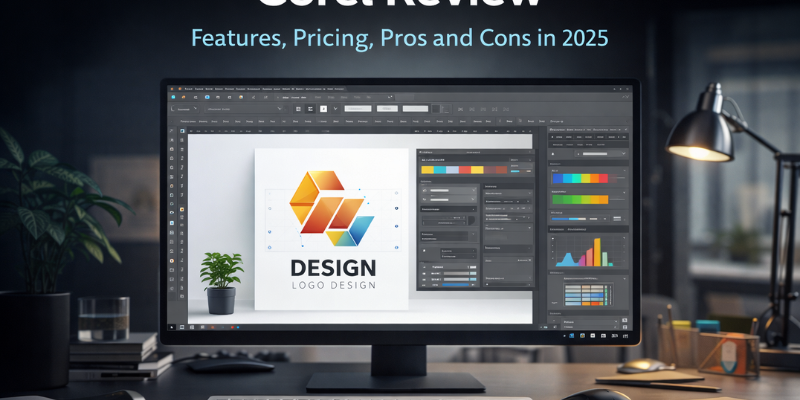
Choosing the right creative software directly affects design quality, productivity, and long-term workflow efficiency. Corel is a well-established creative software company known for its powerful design, illustration, and video editing tools. Unlike many modern SaaS platforms, Corel focuses on desktop-based software with flexible licensing options.
In this detailed Corel review, we will analyze Corel based on features, pricing, usability, flexibility, and real-world use cases. By the end of this article, you will clearly understand whether Corel is the right creative software for you in 2025.
Overview of Corel
Corel is a professional creative software company best known for its graphic design, illustration, and video editing solutions. The brand is especially popular among professionals who prefer desktop software instead of cloud-only tools.
Corel is widely used by:
- Graphic designers
- Illustrators
- Video editors
- Freelancers
- Small businesses
- Creative professionals who prefer one-time licenses
Official Website: https://www.corel.com/
Corel Product Ecosystem
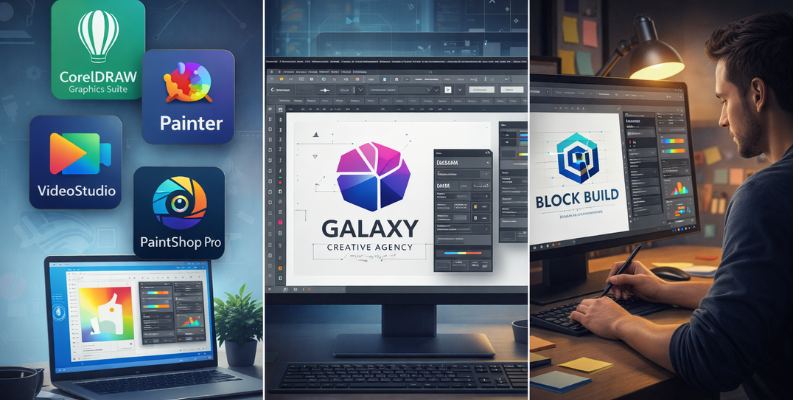
Corel offers a wide range of creative tools designed for different professional needs. Its ecosystem focuses on performance, control, and ownership rather than subscription dependency.
CorelDRAW Graphics Suite
CorelDRAW is Corel’s flagship product used for vector design, layout creation, branding, and illustration.
Used for:
- Logo design
- Branding materials
- Print design
- Marketing graphics
- Illustration work
Corel Painter
Corel Painter is designed for digital artists and illustrators who want realistic brushes and natural painting experiences.
Used for:
- Digital painting
- Concept art
- Illustration
- Fine art workflows
Corel VideoStudio
Corel VideoStudio is a consumer-friendly video editing software suitable for content creators and beginners.
Used for:
- YouTube videos
- Social media content
- Basic video editing
- Home and small business projects
Key Features of Corel
Corel stands out because of its focus on professional desktop workflows.
Main features include:
- Advanced vector illustration tools
- High-precision layout and print controls
- Non-destructive editing
- Offline usage without cloud dependency
- Support for professional file formats
- Customizable workspace
Corel tools are optimized for speed, stability, and real-world production environments.
Flexible Licensing Options
One of the biggest advantages of Corel is its flexible pricing model. Unlike subscription-only software, Corel allows users to choose between:
- One-time purchase licenses
- Optional subscription plans
This makes Corel highly attractive for professionals who want to avoid long-term recurring costs while still using industry-grade tools.
Ease of Use and Learning Curve
Corel offers powerful tools, but its interface may feel complex for absolute beginners. However, users with basic design experience can adapt quickly.
Key usability points:
- Highly customizable interface
- Keyboard shortcuts for faster workflow
- Strong learning resources
- Suitable for long-term professional use
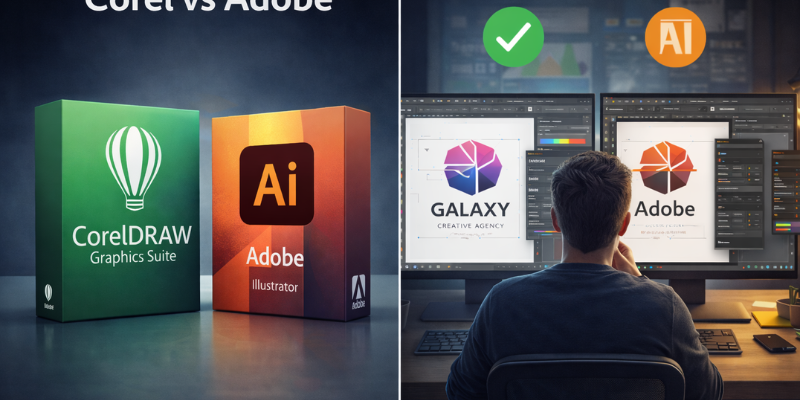
Corel vs Adobe (Quick Context)
Adobe dominates the subscription-based creative software market. However, Corel remains a strong alternative for users who want:
- Desktop-focused software
- One-time purchase options
- Strong print and vector tools
- No forced cloud dependency
Corel is not designed to replace Adobe for everyone, but it is an excellent choice for many professionals.
Pros and Cons of Corel
Pros
- One-time purchase option available
- Powerful vector and illustration tools
- Excellent for print and branding work
- No forced cloud usage
- Strong performance on desktop systems
Cons
- Smaller ecosystem than Adobe
- Less popular among beginners
- Fewer cloud collaboration features
Who Should Use Corel?
Corel is best suited for:
- Professional graphic designers
- Print and branding specialists
- Freelancers avoiding subscriptions
- Small businesses
- Artists who prefer desktop software
Corel may not be ideal for users who rely heavily on cloud collaboration or browser-based tools.
Final Verdict
Corel remains a powerful and reliable creative software choice in 2025. Its focus on desktop performance, flexible licensing, and professional-grade tools makes it a strong alternative to subscription-based platforms.
If you value ownership, control, and long-term cost savings, Corel is absolutely worth considering.
Official Website: https://www.corel.com/